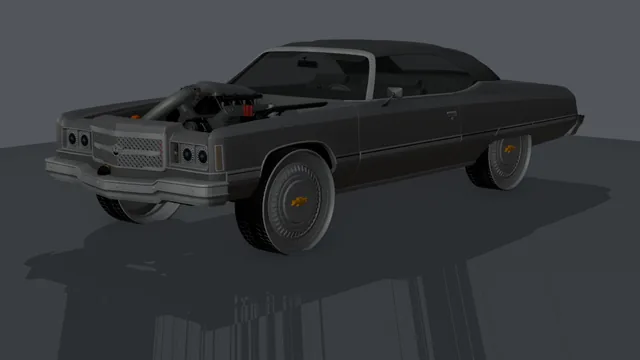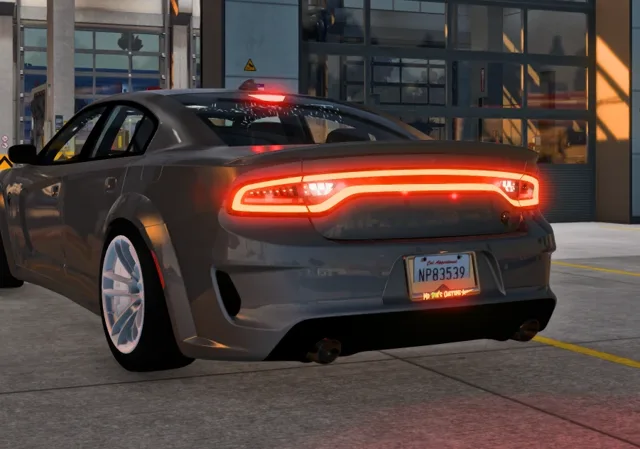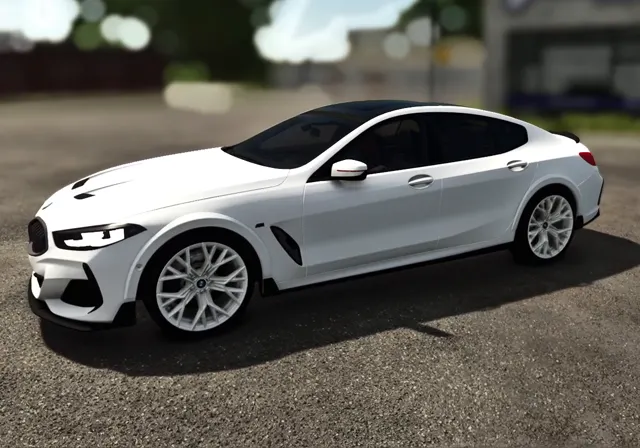
Forza Horizon 6 doesn't load new cars the way GTA V does. Instead, a converted car takes the place of a car that's already in the game, called the donor. You keep driving the donor's slot in menus and races, but you see and hear the GTA model. This guide explains each step of that process, why it works the way it does, and how to check the result.
Before you start
- A Windows 10 or 11 PC with Forza Horizon 6 installed and launched at least once.
- The car's
.yftand.ytdfiles. For a FiveM car, these are in the resource'sstreamfolder. Our car files guide explains what each file is. - The game closed. Forza keeps its car files open while it's running, so nothing can be installed until you quit to the desktop.
Step 1: Pick the donor car
The donor decides more than the name in the menu. Its wheel positions, suspension travel, ride height and camera spots stay in the game's data, so the GTA body has to sit on them. That's why the closer the donor is in size and shape, the better the result:
- Match the wheelbase (the distance between front and rear axles) as closely as you can. A long sedan on a short hatchback's wheelbase will float over its wheels.
- Match the body type. A pickup's cameras and driver position suit a pickup, not a low coupe.
- Pick a car you don't race with. The donor's stock look is gone until you undo the install, so use a car you won't miss.
Our converter lists the best-fitting donors first, scored on size, but you can pick any car in the list.
Step 2: Decide what every part becomes
A GTA car is built from materials: body paint, chrome, glass, rubber, lights, interior. Forza needs to know which of these it may repaint. In Forza, paint is split into zones: Body, a second and third body colour, Hood, Mirror, Wing, Stripes and Trim. Map the GTA body material to Body, and decide where the rest goes:
- Put a GTA "secondary colour" material, such as two-tone roofs or bumpers, on Body 2nd so you can paint it separately.
- Leave chrome, glass, tyres and lights unpainted. Painting chrome turns it into flat colour.
- Badges and grilles usually look best left as their textured selves.
Step 3: Interior colours
Forza lets you colour a car's interior separately from the body. Choose which interior parts follow that colour: seats and door cards usually, the dashboard sometimes, gauges never. Anything you leave out keeps its GTA texture.
Step 4: Build and install
The build turns the GTA model into Forza's format: it lines the wheels up with the donor's wheel positions, sets up the steering wheel so it turns on its real axis, and wires the lights. GTA marks its lights with named parts (headlight_l, brakelight_r, indicator_lf and so on), and each one is linked to the matching Forza trigger: low and high beam, brake, reverse and indicators.
Installing packs the result and puts it in place of the donor. Before anything is replaced, the original donor files are backed up, so one click puts the stock car back.
Step 5: Check it in game
Start Forza, go to your garage and pick the donor car. Check these in order:
- Wheels: sitting in the arches, not poking through or floating.
- Paint: open the paint shop and change the body colour. Every panel you mapped to Body should follow.
- Lights: drive at night, brake and reverse, and use the indicators if you play with them on.
- Cockpit view: switch to the in-car camera and check the steering wheel turns with your input.
If something looks wrong
| A part is white or grey | The texture is missing from the car's .ytd, or it's a shared GTA texture. Load every .ytd from the download and build again. |
|---|---|
| A panel won't take paint | That material wasn't mapped to a paint zone. Map it to Body or another zone and rebuild. |
| The car sits too high or low | The donor's wheelbase or ride height is too different. Try a donor closer in size. |
| Lights don't work | The GTA model is missing its light parts, or they're named differently. Use the in-app Report button so we can look at it. |
| The game won't start | Undo the install from the app, which restores the donor, then report the car. |
Undoing it
Because the donor is backed up before install, undoing is a single click in the app, and Forza will show the stock car again next time you start it. If you uninstall or repair the game through your store app, the stock files are restored too, and you can install the converted car again any time.