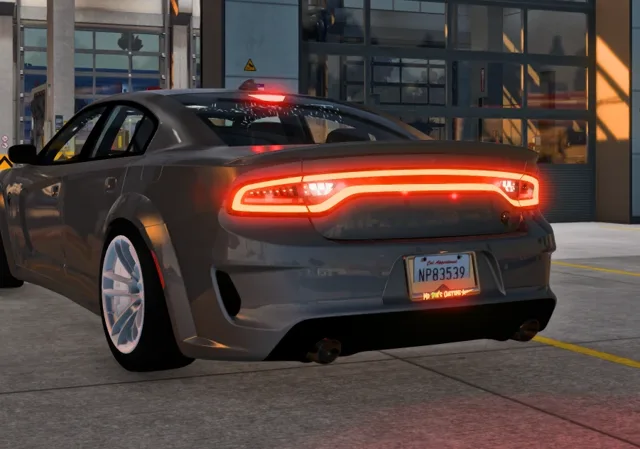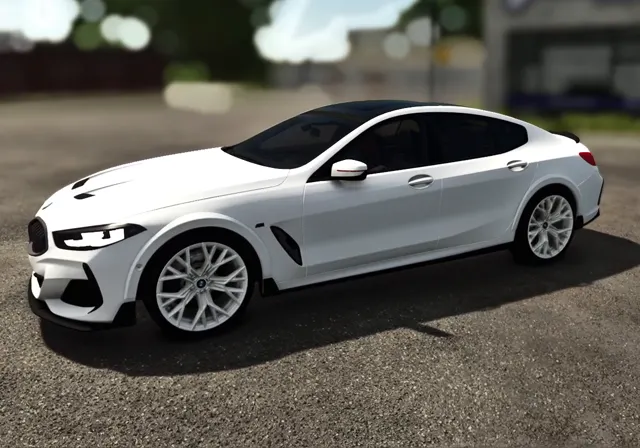
Assetto Corsa is one of the most mod-friendly racing games ever made. Unlike games that only allow replacing existing cars, it loads every folder in its cars directory as a separate car, so a converted GTA V or FiveM car can sit next to the stock ones with its own name, physics and sound. This guide explains where those folders live, what is inside one, and how to sort out the problems people run into most.
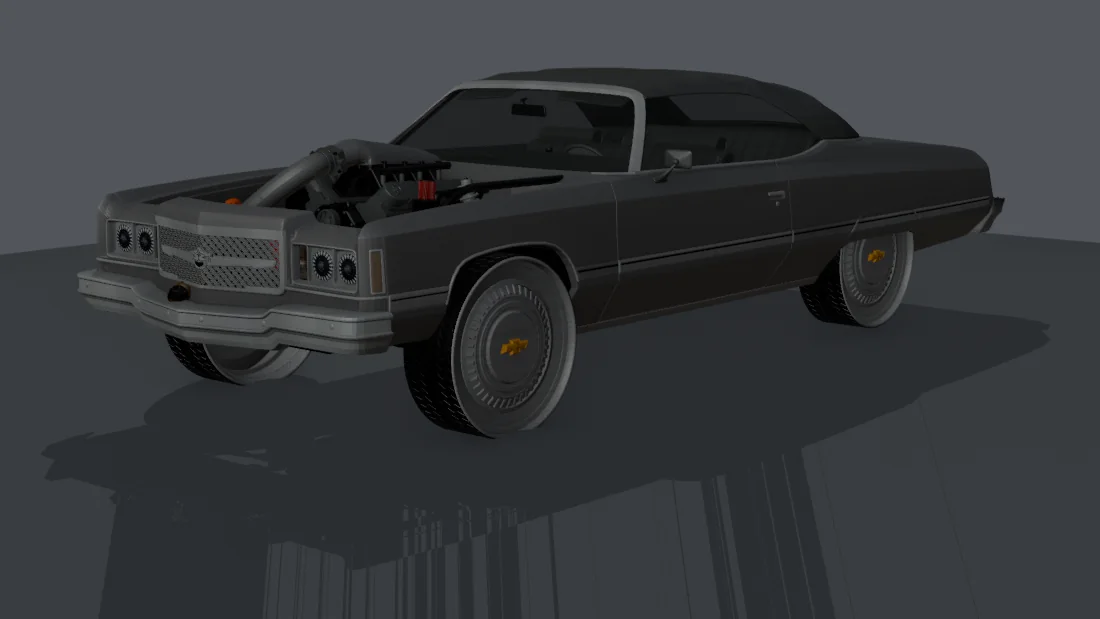
Where Assetto Corsa keeps its cars
On a Steam install, the game lives at Steam\steamapps\common\assettocorsa. Every car is a folder inside content\cars. The folder name is the car's internal ID, such as ks_ferrari_458 for a stock Kunos car. A mod car needs a unique folder name, all lower case with no spaces, so it never collides with another car.
If you are not sure where Steam installed the game, right-click Assetto Corsa in your Steam library, choose Manage and then Browse local files.
What is inside a car folder
| .kn5 file | The 3D model, with its textures packed in. Some cars have extra LOD models for distance. |
|---|---|
| data (or data.acd) | The physics: car.ini for mass and inertia, engine.ini for the power curve and rev limit, drivetrain.ini for gears and which wheels drive, suspensions.ini, tyres.ini, brakes.ini and more. A packed data.acd holds the same files. |
| sfx | The engine and transmission sound bank, linked by a small GUID file. |
| skins | One folder per paint scheme, each with a preview.jpg for the showroom and a livery.png for the colour swatch. |
| ui | ui_car.json with the name, brand, class, year, specs and description you see in the menus, plus the badge image. |
When you convert a GTA car, the physics are the part that needs real thought. GTA's handling.meta describes weight, drive force, gear count, drive bias and grip, but in its own units. A good conversion translates those into Assetto Corsa's terms and picks tyres that suit the car's era and size, so a 1970s sedan doesn't corner like a modern supercar.
Installing a converted car
- Close Assetto Corsa and Content Manager.
- Put the car's folder inside
content\cars. If a car with the same folder name exists, move the old one somewhere safe first. Our converter does this for you and keeps the old version inDocuments\AC-backups. - Start the game or Content Manager. The car appears under its brand.
Using Content Manager
Content Manager is a popular third-party launcher for Assetto Corsa. It reads the same content\cars folder, so any car that works in the stock launcher works there too. A few things it does well for mod cars:
- The Cars page lists every car with its specs, so you can check a conversion picked up the right power and weight.
- The showroom shows each skin in 3D. If previews are missing, Content Manager can render them, though a converter that makes previews saves you that step.
- It flags broken cars with a warning icon and tells you which file is the problem.
Your first drive
Pick a quiet track and a practice session. Drive a few laps and check:
- The driver sits in the seat and holds the wheel.
- The cockpit camera is at eye height, with the gauges visible.
- Braking hard in a straight line doesn't pull the car sideways.
- The engine sound fits. Converters normally pick the closest stock sound, so a US V8 should sound like a V8, not a four-cylinder.
Common problems
| The car isn't in the list | The folder is in the wrong place (for example content\cars\mycar\mycar), or its name has spaces or capitals. Move it up one level and rename it. |
|---|---|
| The game crashes when loading it | A file in data is missing or broken. Content Manager's warning icon names the file. Re-convert or reinstall the car. |
| Silent engine | The sfx folder is missing or its GUID file points to a sound bank that isn't installed. |
| Black or missing previews | The skin folders have no preview.jpg. Render previews in Content Manager's showroom. |
| Can't join an online server with it | Servers only accept cars they have installed themselves, with the same data. A converted car is for single player and private servers you control. |
Removing a car
Delete or move its folder out of content\cars while the game is closed. Nothing else in the game refers to it, so there is nothing else to clean up.