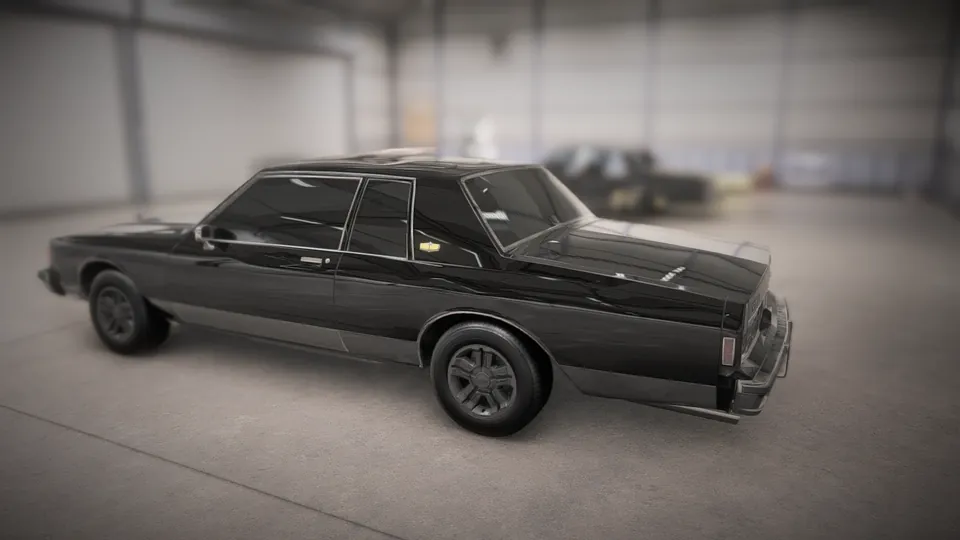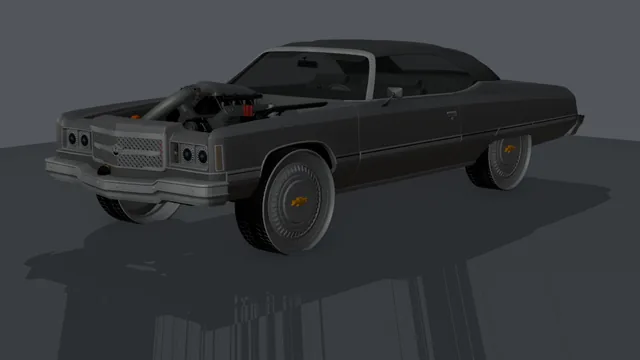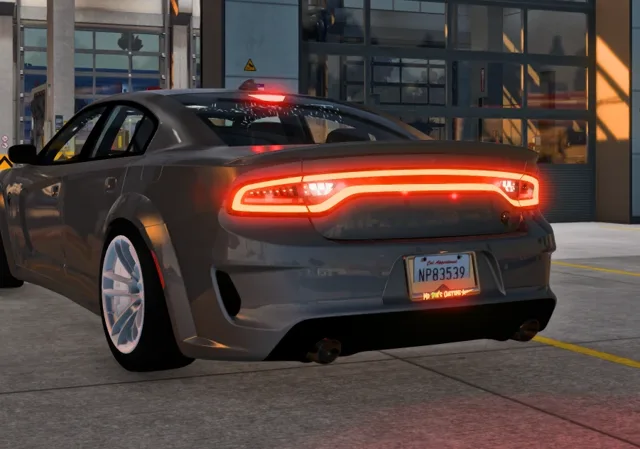
The single biggest factor in how a converted car turns out is the model you start with. A clean, well-built GTA V car converts into a clean car in any game; a messy one carries its mess along. This checklist is what we go through ourselves before we put a car in our showcase, and it takes about five minutes per car.
1. Check the creator's permissions first
Every car mod was made by someone, and most creators publish terms with it. Read them before anything else. The common ones:
- Personal use only. You may convert and drive it yourself, but not share the result.
- No conversions or ports. Some creators don't want their work in other games at all. Respect that and pick a different car.
- Paid or locked models. Cars sold on a creator's shop, or locked for a single FiveM server, are licensed to the buyer. Converting one you bought for your own use is normally fine; uploading it anywhere is not.
- Credit required. If you post screenshots or videos, name the original author.
Our tools convert files on your own PC for your own game. They don't upload or share anyone's car, and we ask everyone in our community to keep it that way: never re-upload a converted car you don't have permission to share.
2. Make sure the download is complete
A car needs its model (.yft, ideally with a _hi.yft), its textures (.ytd), and for physics-based conversions a handling.meta. If you are not sure what those are, read GTA V car files explained. A model without its texture dictionary will convert, but every part will come out plain grey.
3. Look at the level of detail
Open the car in a model viewer such as OpenIV and look at it up close. Good signs:
- Smooth curves on the wheel arches and roof, without visible facets.
- A modelled interior with a dashboard, seats and a steering wheel, not a flat black box behind the glass.
- Separate glass for the windows, headlight lenses and tail lights.
- Readable badges and gauges, which tells you the textures are high resolution.
More detail is not always better. Some "ultra" models carry millions of triangles because they were exported straight from a scan or a film asset. They look great in screenshots but are heavy to convert and to run. A well-made game car sits roughly between 100,000 and 400,000 triangles in its top level of detail.
4. Check the named parts
Games move the parts of a car by their names. In a viewer's skeleton list, look for:
- Four wheels:
wheel_lf,wheel_rf,wheel_lr,wheel_rr. - Doors, hood and trunk:
door_dside_f,door_pside_f,bonnet,boot. - A
steeringwheel, and aseat_dside_ffor the driver. - Lights:
headlight_l/_r,taillight_l/_r,brakelight_l/_r,reversinglight_l/_rand the fourindicator_bones.
If the wheels are part of the body mesh instead of their own bones, they won't spin or steer in any game. If the light bones are missing, lights can't be wired to the brake pedal or indicators, because nothing tells the converter which glass is which.
5. Look at the textures
Open the .ytd and scan the list. Texture sizes should be powers of two (512, 1024, 2048, 4096). Very large textures, 8192 pixels and up, slow everything down and can crash some games. A texture called something like vehicle_generic_... is a GTA shared texture: the car expects it from the base game, so a converted car may need a stand-in for that part.
6. Match the size to the job
When a conversion replaces an existing car, as it does in Forza Horizon 6, pick a donor that is close in size and type: a full-size sedan for a full-size sedan, a pickup for a pickup. Wheelbase matters most, because the donor's wheels and suspension decide where the car sits on the road. In American Truck Simulator and Farming Simulator 25 the car is added as its own vehicle, so size matters less, but very small cars can look odd next to trucks and tractors.
Red flags
- No author name and no readme: usually a re-upload of someone else's work.
- A single huge texture file for the whole car: often a quick port from another game.
- Encrypted or "protected" FiveM files (
.fxapor escrow): these only run on the server that bought them and can't be read by any tool. - Dozens of loose parts with names like
object01: the car was never set up properly for GTA, and it won't be set up for anything else either.
A car that passes this list will usually convert on the first try. When one doesn't, the in-app Report button sends us the build log so we can see exactly where it went wrong.